User Instructions
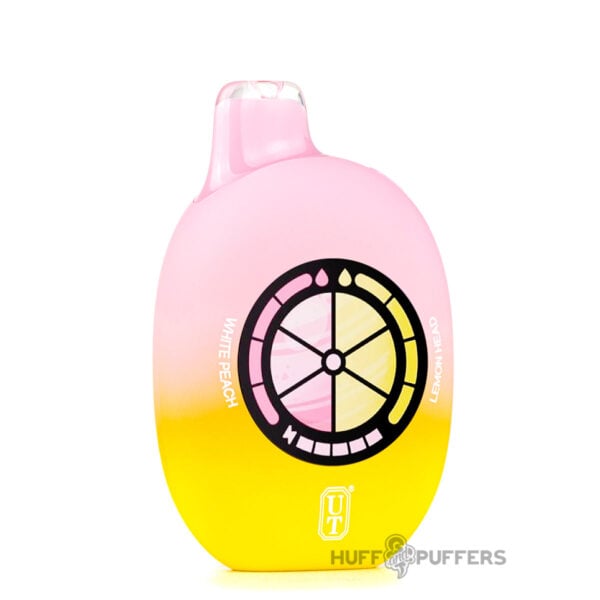
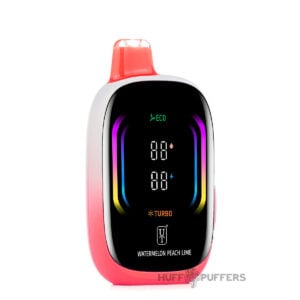
The Flum UT Bar 50K is pre-filled, pre-charged, and ready to vape right out of the box. It features a draw-activated firing mechanism. Toggle the bottom switch to turn the device on and start vaping.
Changing Power Modes
Use the switch on the bottom of the device to toggle between power modes. Switching to Turbo Mode also increases airflow for a stronger, more intense hit.
Adjusting Flavor
- Dual Flavor Option: There are two flavor buttons on the top of the device, each corresponding to one of the two flavor tanks. Press a button to adjust that flavor’s intensity or to vape a single flavor on its own.
- Single Flavor Option: With the single flavor UT Bar, pressing the “+” or “-” sign increases or decreases the flavor intensity.
Note: Since the device has two separate e-juice chambers, one flavor may run out faster than the other depending on your vaping habits.