WARNING: These Products Contain Nicotine. Nicotine is an addictive chemical.

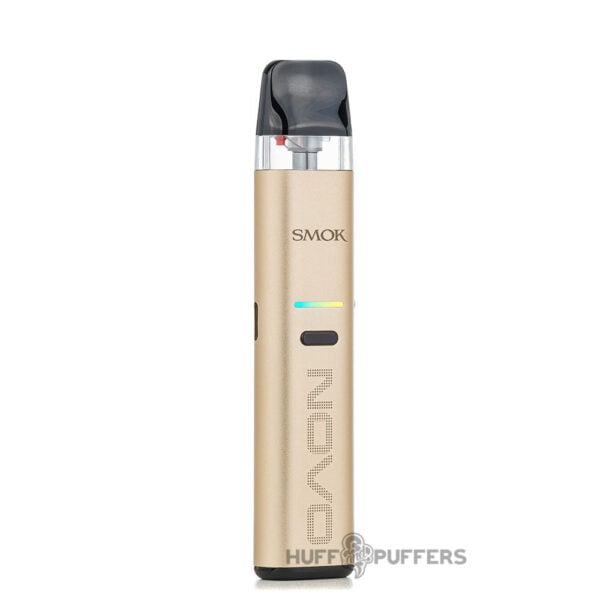
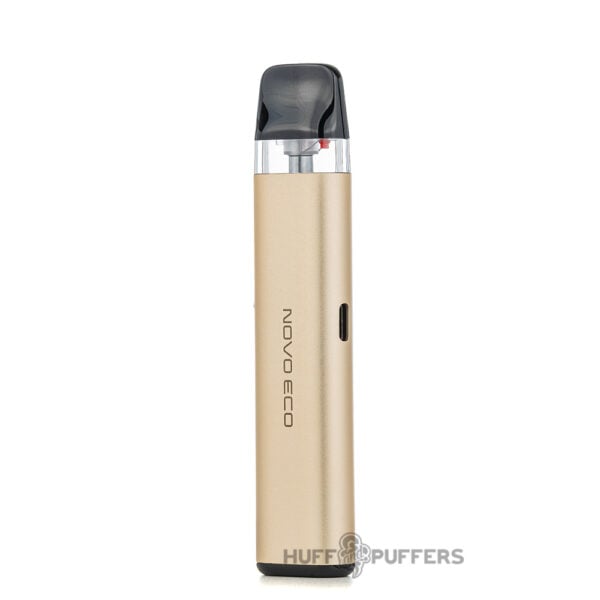
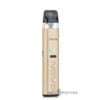
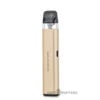
Smok Novo Eco Pod System
$9.99
You May Also Like
-
 $7.99
$7.99 -
 $7.99
$7.99 -
$7.99
About this item
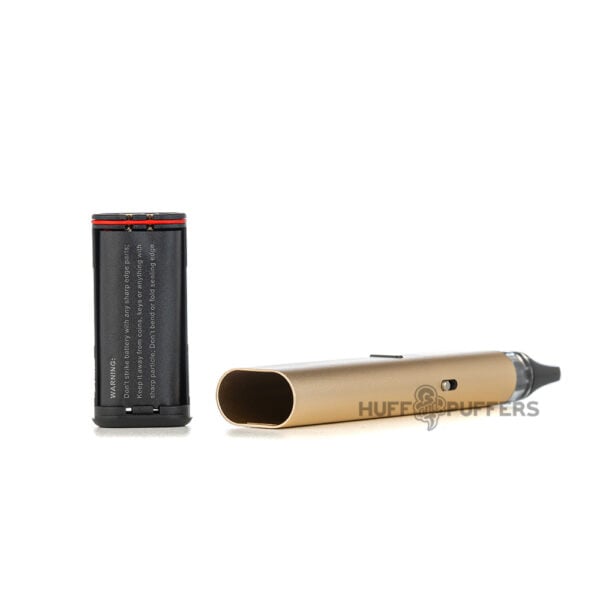
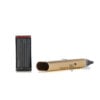
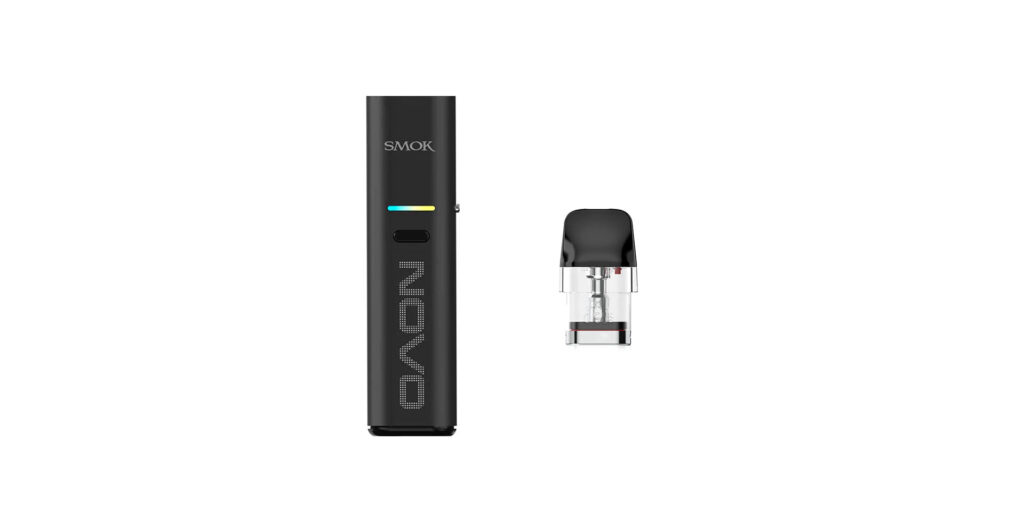
- Eco-Friendly: The Smok Novo Eco is an environmentally friendly and easy-to-use device, perfect for both veterans and newcomers. Equipped with a 1000mAh recyclable and rechargeable battery, the Novo Eco prioritizes sustainability. Instead of discarding the entire device, you can simply remove and replace the battery when needed. Additionally, the device features a 0.8A Type-C charging port.
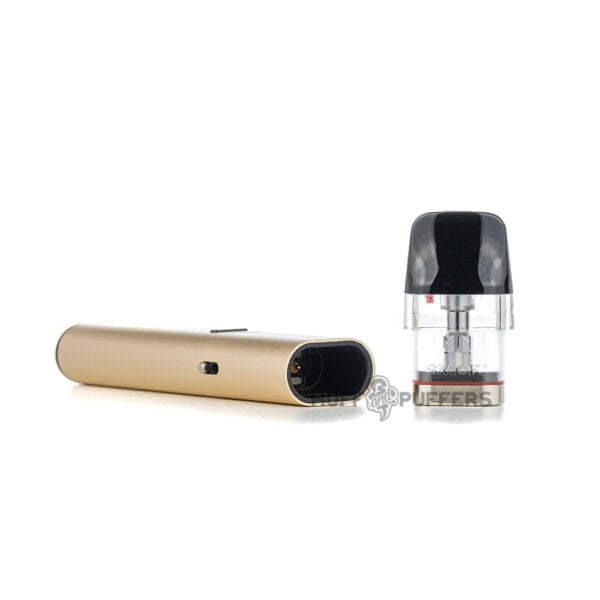
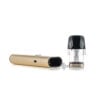
- Enhanced Pod Design: The Novo SLR Pods feature a spring-loaded, press-to-fill system, making refills quick and mess-free, while the magnetic connection ensures a secure fit. Designed for an improved experience, the SLR Pod includes a heightened coil tube for smoother flavor and enhanced vapor production, along with a widened e-liquid window for easier viewing. The Novo Eco works seamlessly with previous-generation Novo series pods, offering flexibility for different vaping preferences.
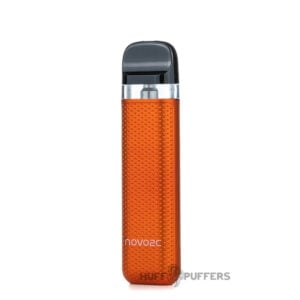
- Sleek Design & Smart Indicators: The Novo Eco features an RGB LED indicator for battery status and a charging light indicator to keep you informed. It uses a slim and smooth design that's comfortable in the hand and is available in a multitude of different colors.
- Customizable Vaping Experience: Switch between Soft and Hard mode to control vapor intensity and flavor. An adjustable airflow system lets you fine-tune your draw from a MTL to DTL experience.
Features:
- SLR Pod (spring loaded refill)
- Magnetic pod connection
- Soft and hard power modes
- RGB led light
- Single button operation
- Eco-friendly removable and recyclable battery
- 0.8A type-c charging current
Specifications
Brand
E-liquid Capacity
Battery Capacity
Wattage Output
Dimensions
Material
Charging Port
Fill Method
Adjustable Airflow
Atomizer Type
Compatible Accessories
Frequently Answered Questions
Related Products
-
 $27.99
 -
$16.99
-
$49.99
-
$51.99
-
$27.99
-
$9.99
-
$34.99
-
$22.99