WARNING: These Products Contain Nicotine. Nicotine is an addictive chemical.

About this item
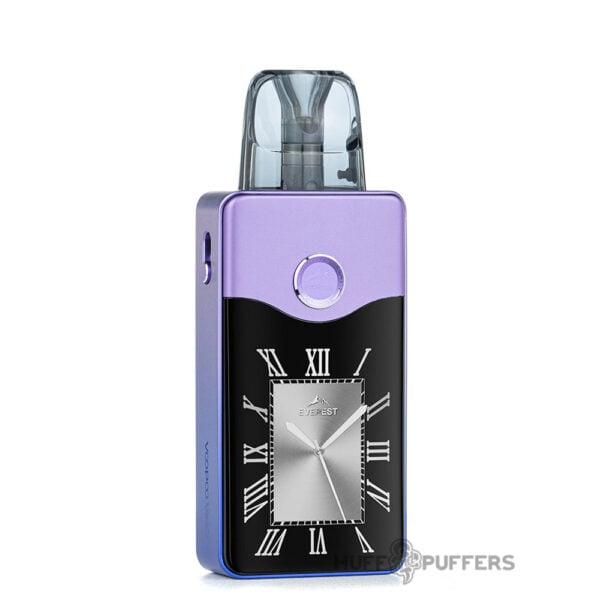
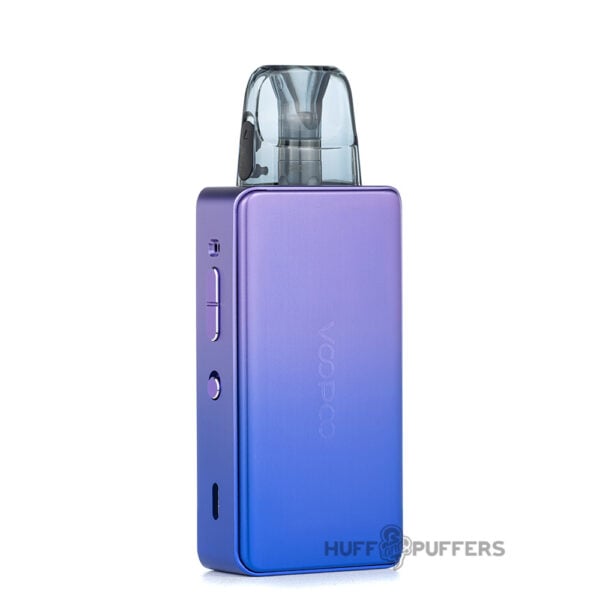
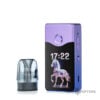
- High Capacity Battery: The Vinci E120 delivers impressive performance, featuring a robust 4500mAh battery that supports up to a 120W max output for a long-lasting, high-performance vaping experience. Weighing 50% less than other pod systems of its size, it offers exceptional portability without compromising power.
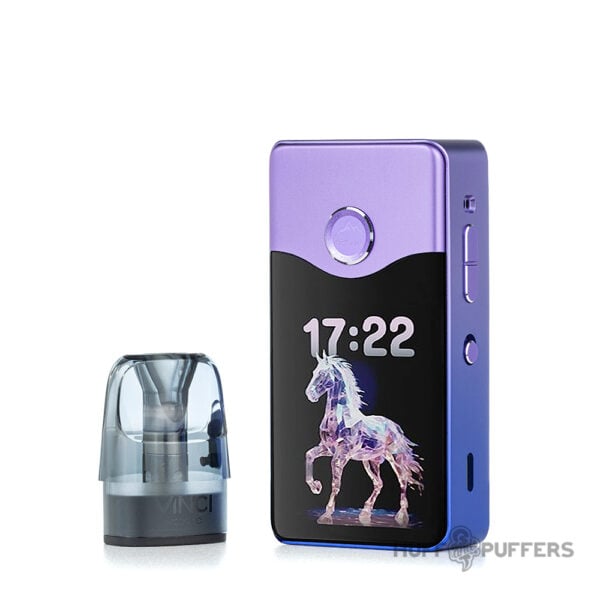
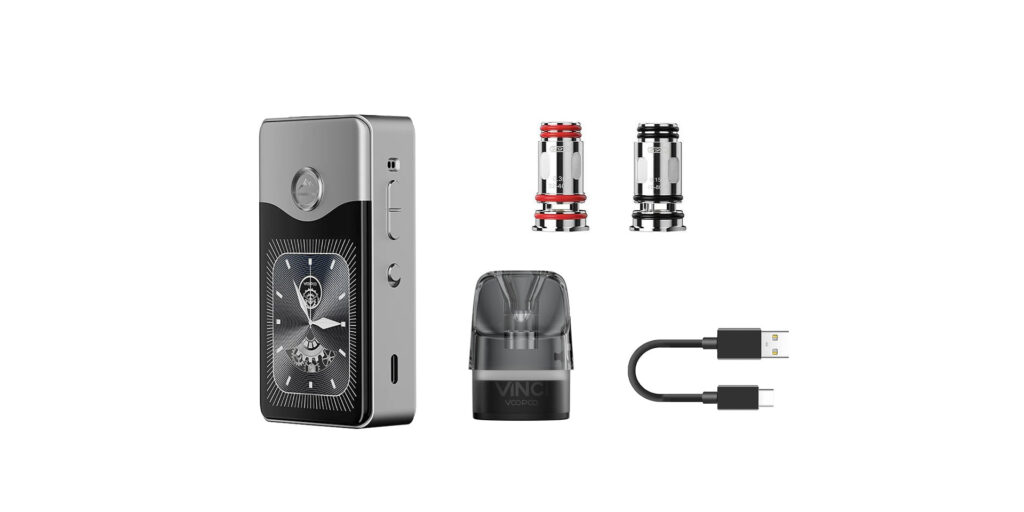
- Stunning Display: This pod system boasts a 2.4-inch TFT high-definition screen, providing sharp and immersive visuals, and users can personalize their screen with up to 18 unique watch-face screensavers.
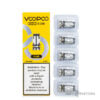
- Coil Compatibility & Versatility: The Vinci E120 is compatible with Vinci PNP X Replacement Pods and PNP X coils, which utilize PnP X atomization technology for bold flavors and extended coil longevity. The PnP coils come in a variety of resistances to cater to all vaping styles, whether you prefer tight mouth-to-lung draws or smooth direct-to-lung inhales.
- Advanced Chipset & Safety: At the heart of the Vinci E120 is the advanced Gene TT 2.0 chip, which smartly detects coil resistances, optimizes power settings for peak performance, and incorporates seven layers of safety features, ensuring a secure and efficient experience for all types of vapers. Additionally, the device features a locking switch to prevent unintended activations, making it both safe and user-friendly.
Features:
- 2.4" TFT screen with watch-face screensavers
- Side adjustable airflow control lever
- Silicone stoppered fill port
- Press-fit coil installation
- Magnetic pod connection
- Locking feature
- Gene TT 2.0 smart chip
- Type-C 5V/2A charge rate
- Output voltage: 3.2–4.35 V
- 50% lighter than other pod systems its size
- Overtime, short-circuit, overcharge & output-over current protection
- Low battery, over temperature, & max power protection
- PnP X 0.3 ohm coil: 24–40 W
- PnP X 0.15 ohm coil: 60–80 W
Specifications
Brand
Country of Origin
Compatible E-Juice
E-liquid Capacity
Battery Capacity
Wattage Output
Dimensions
Material
Charging Port
Fill Method
Activation Method
Adjustable Airflow
Atomizer Type
Coil Installation
Compatible Accessories
Frequently Answered Questions
Related Products
-
 $13.99
 -
$27.99
-
$64.99
-
$27.99
-
$29.99
-
$24.99
-
$34.99
-
Price range: $27.99 through $34.99